Getjournaling.app


kept on paper.

Turn a photo from your phone into a 2 × 3 inch print for your travel notebook. Add a stamp you made, the date, or a few words about the day.

Get on the early list
A travel print tucked into an olive notebook beside a phone and a coffee
A moment to keepAmsterdam canal house stamp

From phone to notebook

A day in Amsterdam

Amsterdam canal house stamp
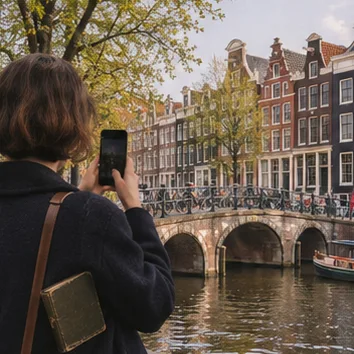
A traveler photographing Amsterdam canal houses

Take a photo

Start with a moment you want to remember.
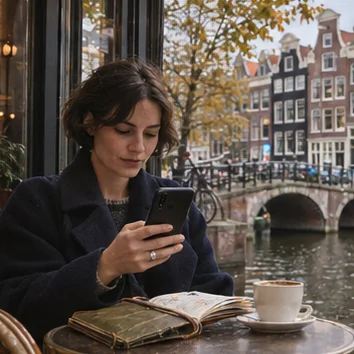
The traveler using her phone beside an Amsterdam canal

Make it yours

Design a stamp in Stamp Studio and place it on your print.
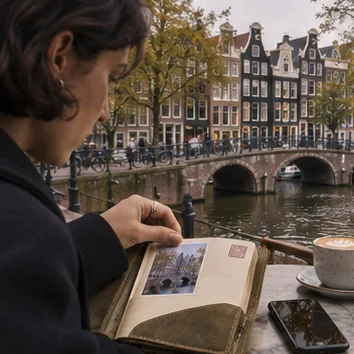
The traveler putting her Amsterdam print in an olive notebook

Keep it on paper

Save the JPEG, print it, and tuck it into your notebook.

Made by you.
Kept on your phone.

Make a print, design a stamp and save your keepsake right on your phone. The standard Android app uses no AI or cloud processing to make them, and the whole creative flow works offline.

From your phone to your journal

Your photos, stamps and prints stay on your phone until you choose to share a JPEG or send it to your printer. Getjournaling never uploads your creations.

Optional usage sharing sends anonymous counts and device information, grouped by approximate country. Turn it off in Guide → Anonymous usage.

Get in before the next Android release.

Join the early-access list now and be ready to make your first notebook print when the next build opens.

By joining, you agree to receive early access and launch updates by email.